How to Extract Text from a PDF and Turn It Into an Editable Document
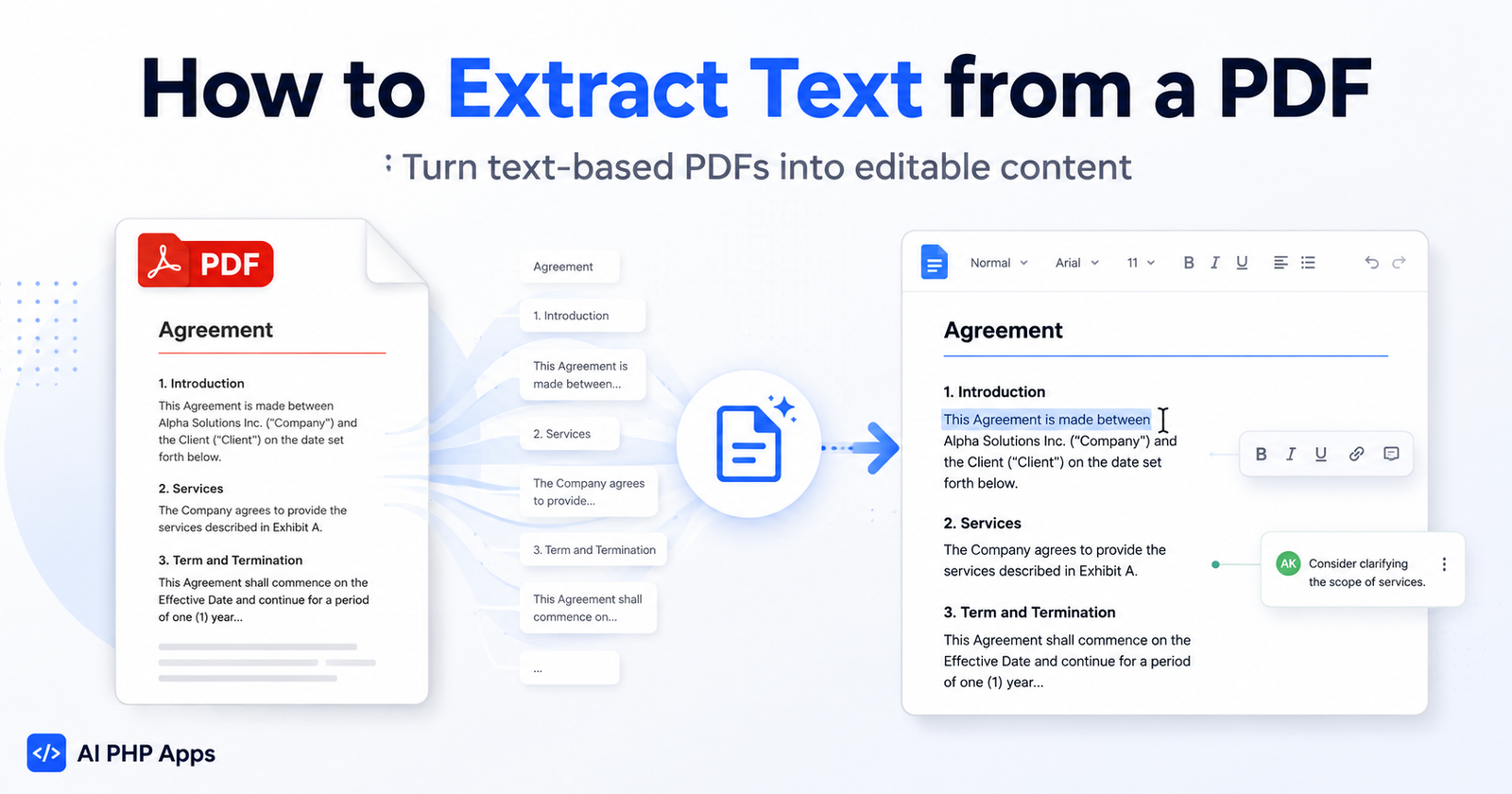
Learn how to extract text from a text-based PDF, review and edit the results, and download the finished content as an editable document using a simple self-hosted workflow.
Buy ready-to-install PHP/MySQL AI tools for support, automation, content, and business workflows — without another monthly software subscription.
Start with one app today. Add more as new tools are released.
Start with the problem you want to solve. We’ll point you toward the self-hosted app built for that job.
Draft professional customer support responses without starting every reply from scratch.
Explore Email Support Assistant →Turn incoming inquiries into clear, professional responses while the opportunity is still fresh.
Explore Lead Response Assistant →Turn project details into polished estimates, scopes of work, and customer-ready drafts.
Explore Estimate Assistant →Create thoughtful responses to positive and negative reviews while keeping your business voice professional.
Explore Review Reply Assistant →Pull usable text from PDF files so you can review, edit, save, and work with the content more easily.\
Explore AI PDF Extractor →Browse the complete collection and compare the tools available for your workflow.\
Browse All Apps →Practical AI-powered PHP applications designed for businesses, developers, and self-hosted workflows.
A three-application self-hosted business toolkit for lead responses, estimate drafting, and customer review replies.
A self-hosted customer-email workspace that summarizes incoming messages and creates professional reply drafts while keeping your team in control.
A self-hosted review-response workspace for organizing feedback and generating professional, human-reviewed reply drafts.
Keep ownership, reduce subscription creep, and run practical AI tools on infrastructure you already control.
Buy once and install the app on your own hosting instead of renting access forever.
Connect your own API accounts so you control usage, billing, and configuration.
Start with one app and add more tools as your workflows expand.
Your app, your hosting, your database, and your workflow.
Each app is designed to be understandable, installable, and useful without forcing you into a hosted SaaS platform.
Pick the AI tool that fits your workflow.
Receive a secure download link and installation files.
Upload the PHP/MySQL app to your own server or hosting account.
Configure your app and start using AI in your workflow.
Practical articles about self-hosted AI tools, business automation, customer support workflows, OpenAI setup, and AI-powered PHP applications.

Learn how to extract text from a text-based PDF, review and edit the results, and download the finished content as an editable document using a simple self-hosted workflow.


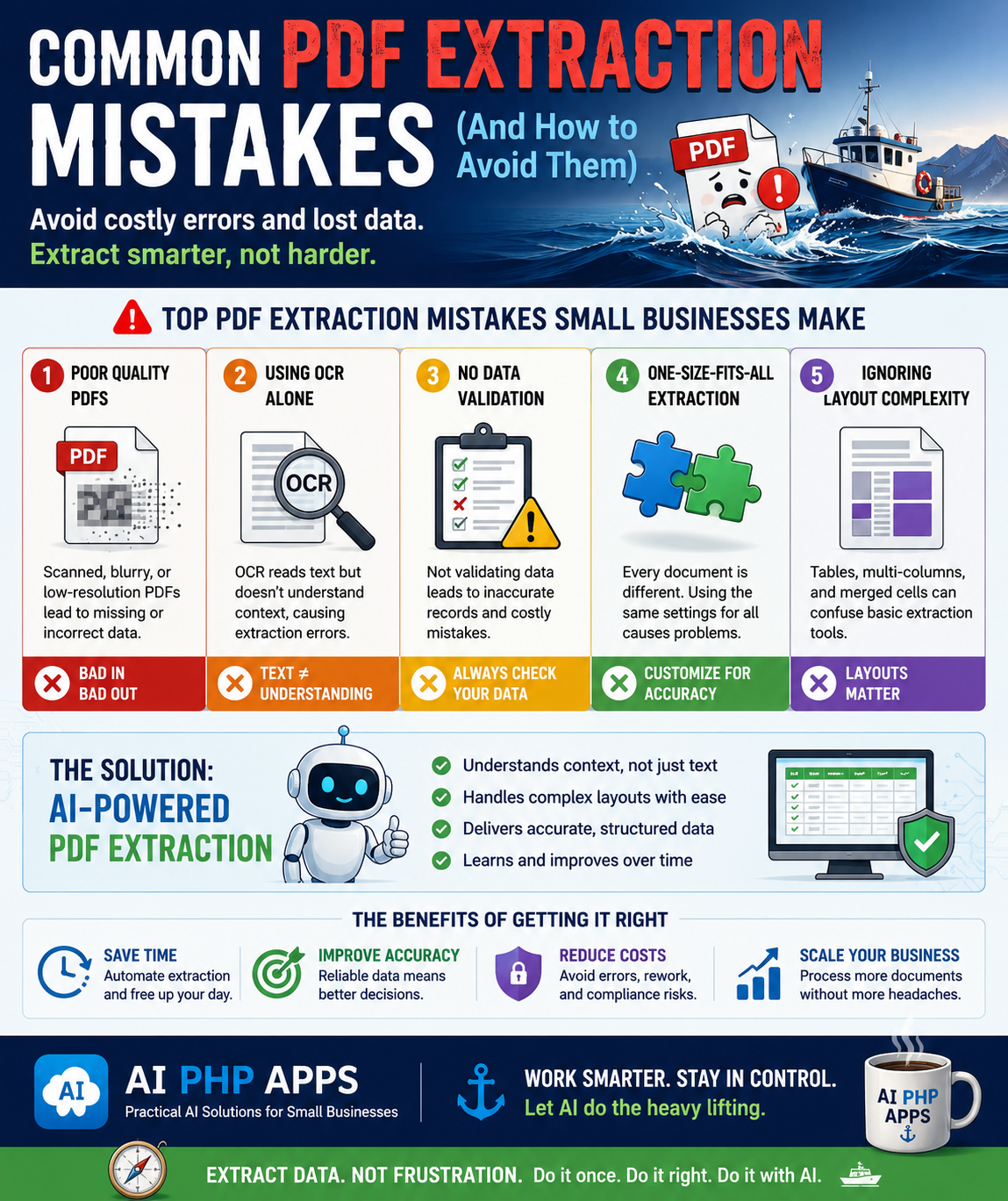
Learn the most common PDF extraction mistakes businesses make and discover practical tips to improve accuracy, save time, and get better AI-powered document processing results.
Start with a practical self-hosted app today and expand your workflow as new tools are released.
Browse AppsHave an idea for an AI business tool? We'd love to hear it.